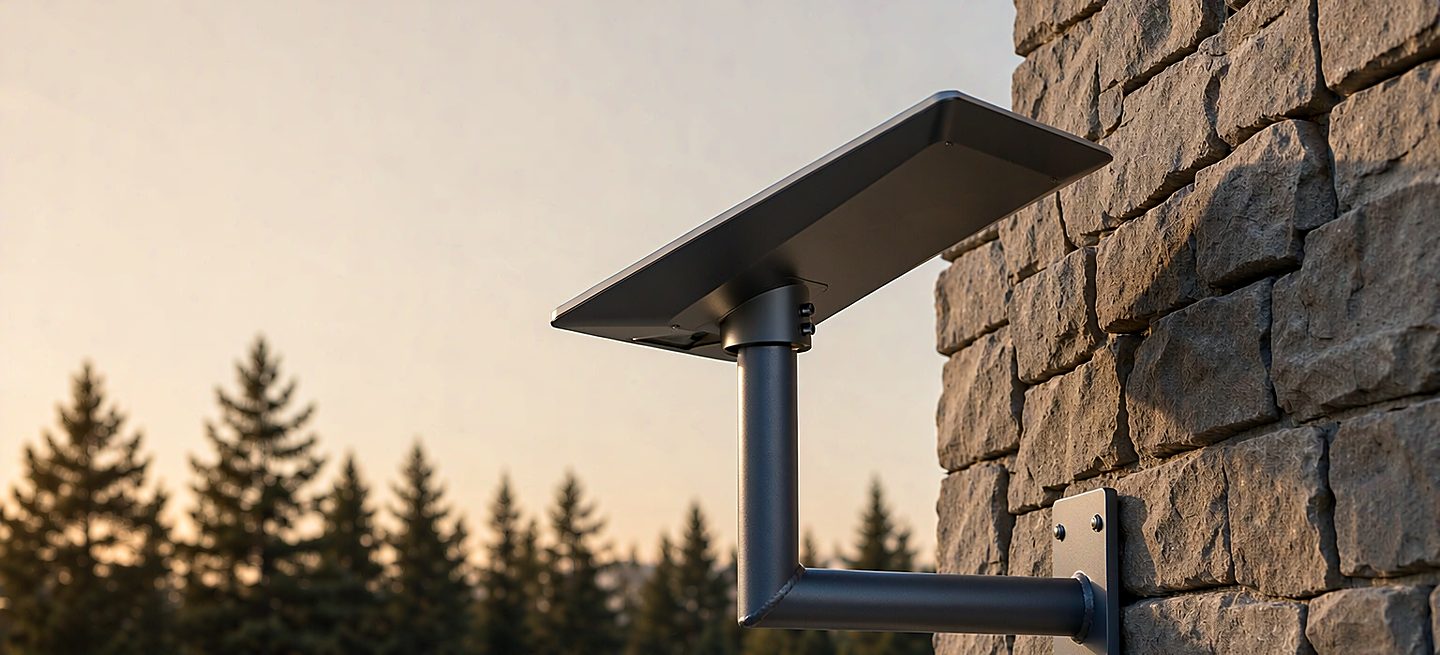
Short version: this page does not pick your mount — the four types and the decision tree already did that. What it catches is the expensive mismatch: the right mount type with the wrong details — the roof kit for a rental, the mast for a site that never ran the sky check, the order that went in before the landlord replied. Five gates, ten minutes, and every gate has a cheaper answer if you catch it now.
Run this before any mount order, including ours. Where a gate sends you somewhere else to buy — anchors, sealant, ballast — we say so, because the goal is a working install, not a bigger basket. If a gate fails, the fix is usually a different mount type, not a different brand. Shopping for someone else's setup is the same list with the gates you cannot check yourself — the gift guide runs that version.
Gate 1 — your dish, exactly
Two questions settle compatibility, and both take seconds. Which terminal is it? The Starlink app shows the model in settings, and so does the label on the back of the dish. What interface does it use? Standard terminals — the rectangular flat panel — mount on a 1.5 inch pipe thread, and every mount on this site takes that thread directly with no adapter to buy. The tripod stand even ships with its adapter in the box. Mini and Performance terminals have their own interfaces and their own official guidance; if that is what you own, start from the official documentation, not from a third-party listing.
| If your terminal is… | The mount interface is… | Do you need an adapter? |
|---|---|---|
| Standard (the flat rectangle) | 1.5 inch pipe thread | No — our roof, wall and tripod mounts take it directly |
| Mini | Its own interface | Check the official Starlink guidance first |
| Performance | Its own interface | Check the official Starlink guidance first |
The listing test: a compatible mount names the terminal models it fits, in words, on the page. "Fits Starlink" with no model list is a listing that has not been checked — ask the seller to name your model before you pay.
Gate 2 — the site, measured not guessed
Four things about the spot decide more about your install than any spec on the mount. Check them in this order, because each one can send you back to a different mount type:
The sky, from the dish's position. Run the obstruction check in the app standing where the dish will sit, at the height it will sit. A reading from the ground is a different site. If the sky fails where you planned, the obstruction guide explains why moving sideways usually beats going up — and a cheaper mount often beats both.
The surface. Corrugated metal, tile, masonry, timber siding and membrane all take different fixings, and one of them might not be yours to drill. Match the surface to the mount before the order, not after: the roof-type guide covers what each covering tolerates, and the no-drill options cover the surfaces that should be left alone entirely. If the surface is brick, block or stucco, the masonry guide is the gate that can fail after the order has already arrived. If it is vinyl, aluminum or wood clapboard, the siding guide covers what the bracket has to reach through before it reaches anything solid.
The cable route. Measure it. The cable has a length, and the route decides whether it reaches without a joint — a joint is a failure point and a return. Plan one sealed entry into the building with a drip loop, and never a door or window edge: the cable guide has the routing rules.
Access afterwards. You will be back up that ladder — to re-check after the first storm, to clear snow, to re-seat a connector. If the spot is not safely reachable, the mount is not wrong but the position is, and the install-tools guide covers the re-check routine that visit is for.
| Site check | How to actually check it | If it fails |
|---|---|---|
| Sky view | App obstruction check, from the position and height | Move the site before buying height |
| Surface | Name the material out loud; check it against the mount's documented method | Switch mount type, not brand |
| Cable route | Tape measure from dish position to router | Plan a route before ordering length |
| Access | Picture yourself up there in February, in weather | Lower the position, not the standard |
Gate 3 — permission, in writing
For most homes, no building permit is needed — a 56 cm dish sits well inside the usual small-antenna exemption, and that is not the gate that stops people. The gates that stop people are a landlord, an HOA and a lease clause, and all three are cheaper to settle before checkout than after. The permits guide runs through what an HOA can and cannot actually block, and the short version is: they can require you to move it or repaint it, they cannot simply ban the dish.
The ground is often the cheaper yes. A freestanding tripod penetrates nothing, which puts it outside almost every approval process — renters, HOAs and cautious landlords all find it much harder to object to. If any permission answer is still pending, the ground and yard guide is the install that lets you start today and still be compliant in every scenario that comes back.
Gate 4 — the box, and what is not in it
Most "the mount was missing something" complaints are really expectations mismatches. Mount kits ship with the parts to join the mount to the dish. They do not usually ship with the parts to join the mount to your building, because no factory knows whether your wall is brick, stud or tile:
| Typically in the box | Typically a hardware-store visit |
|---|---|
| Bracket or stand body, dish-side hardware, seal or gasket, the 1.5 inch fitting (adapter where needed), instructions | Wall or roof anchors matched to your surface, exterior sealant, masonry or timber bits, ballast or stakes for ground installs |
We are blunt about the second column: we do not sell anchors, sealant, ballast or stakes, and we are not going to start. They are commodity hardware, your local store stocks the type that matches your actual wall and soil, and a specialist shop that invents its own fastener pack is usually charging you to reinvent one. Our product pages list the in-box contents line by line — if it is not on that list, plan to buy it locally.
Gate 5 — the first 48 hours after it arrives
Do not drill anything on day one. Unbox, lay everything out, and check the contents against the packing list while a return is still a form rather than an argument. Then dry-fit the whole assembly on the ground — dish on mount, mount in position — and only then decide where the holes go. Two habits from here:
Torque by feel, not by muscle. Snug by hand, then about a quarter turn with a wrench. Over-tightening cracks housings far more often than under-tightening loses bolts, and lock nuts hold a setting better than brute force does. Re-check after the first real wind — vibration settles joints in ways an install-day check cannot predict, and the first blowy week is when a weak joint announces itself.
When to wait: four signals that say do not order yet
A checklist that only says "buy" is a sales page. These are the four cases where the honest advice is to hold the order:
- The sky check has not run from the real position. A mount cannot fix a blocked view, and height bought to fight an obstruction is the most common wasted spend in this category. Move the site first.
- The permission answer is not in writing. A verbal "should be fine" from a landlord is not a yes. A tripod costs less than a compliance letter and a re-install.
- You are buying for a moving vehicle. Standard dishes are fixed terminals — driving with one up is a different product category with different hardware. The RV and mobile guide covers what actually works on the move.
- You are still choosing the type. If the decision between roof, wall, tripod and mast is not made, this checklist will just be run twice. Ten minutes with the decision tree first.
The whole list, on one screen
Ten checks, in the order they can save you money:
- Terminal model named (app or label) and interface understood
- Mount's compatibility list names your model, in words
- Obstruction check run from the real position and height
- Surface named and matched to the mount's documented method
- Cable route measured; one sealed entry planned
- Access picture is realistic, in bad weather, a year from now
- Landlord / HOA answer in writing, or ground mount chosen instead
- Box contents checked against the product page list
- Local hardware shopping list made (anchors, sealant, ballast)
- First-48-hours plan set: dry-fit first, drill second, re-check after first wind
Every line is a question you can answer in a minute, and every "no" is cheaper today than it will be with a bracket on your wall. If a line is genuinely unanswerable from your kitchen table, that is the one to ask us about — send the model number and a photo of the spot and we will tell you what we would do, including when the answer is a mount we do not sell.
FAQ
Does a mount come with everything I need to install it?
Everything to join the mount to the dish, and usually nothing to join the mount to your building. Brackets ship with the dish-side hardware and the seal; the anchors and sealant for your specific wall are a local hardware visit. Our product pages list in-box contents line by line — if it is not on that list, it is not in the parcel.
How do I know which Starlink model I have?
The app shows the terminal model in settings, and so does the label on the back of the dish. For mounting, the distinction that matters is narrow: standard terminals share the 1.5 inch pipe thread every mount on this site takes directly, while Mini and Performance have their own interfaces and their own official guidance.
Can I buy a mount before I have permission?
For a tripod, permission is not a question anywhere — it penetrates nothing. For anything that fixes to a roof or wall, buying before written permission is how people end up with an expensive bracket and a compliance letter. Settle the permission question first; the permits guide covers what HOAs can and cannot actually block.
Is it worth buying the official Starlink pipe adapter?
Only if your mount does not take the 1.5 inch thread directly. Every roof kit, wall bracket and tripod on this site accepts the dish's own thread with no adapter, and the tripod ships with its adapter in the box. If a listing requires one, check which side the adapter is really for before paying for it.
What is the single most common reason people return a mount?
Wrong install type, not wrong quality — a roof kit bought for a rental, a wall bracket aimed at the neighbour's wall, a mast bought for a site that never ran the sky check. Each of those is a one-minute catch against this list. Returns almost never say the metal was too thin.
Should I buy the tallest mount that fits my budget?
No. Past the height where the obstruction check is satisfied, extra mast buys wind load, cost and a harder install — and nothing else. The right mast clears the sky the app asked for, and one section shorter is usually the stronger install.
How long should I wait between ordering and installing?
Order once the gates pass, then take the first 48 hours to dry-fit everything on the ground and check contents against the packing list. The one thing genuinely worth postponing for is a permission answer that is still being put in writing.
Wall Bracket
Takes the dish's 1.5 inch thread directly and fixes to the wall studs — the install most permissions find easiest to approve.